Magento
Use Magento reports to answer a trading question
Choose a question about a period, store view or product and start with a report that uses those definitions.
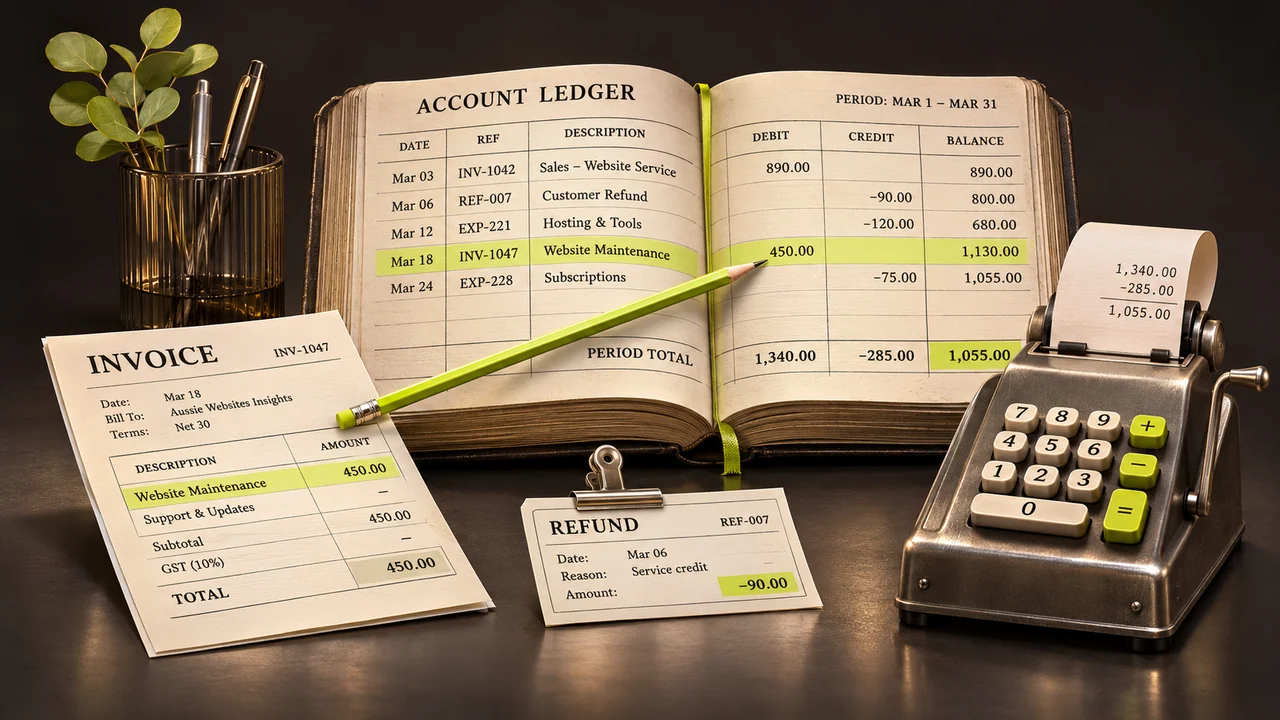
A store report and a website analytics report often answer different questions. For example, the store may contain a paid order from a customer whose browser did not send an analytics event.
Start with one trading question
Choose a question such as “Which products sold during the promotion?” Open the relevant area of the Reports menu and identify the store view, date range, currency and order status used. The available reports depend on the installed edition and configuration.
Check where the figures come from
A product report, invoice total and order total can differ because of discounts, shipping, tax, cancellations and refunds. Use a sample order you can trace from placement to invoice or credit memo. For reports built from aggregated statistics, check data freshness before interpreting a blank result.
Compare with browser analytics carefully
An analytics implementation measures events captured under its settings and consent rules. The integration method depends on edition and release. Establish whether a purchase represents a confirmed order and whether test traffic and duplicate events are excluded.
Share a useful report
Give the report a descriptive name and include its filters, time zone and definition of revenue or units. Limit access to exports containing individual customer details. Use the same definitions when you repeat the comparison next month.