
Magento
Clean the right cache in Magento
Identify the stale layer before clearing anything. Commerce, the browser and a CDN can hold different copies.
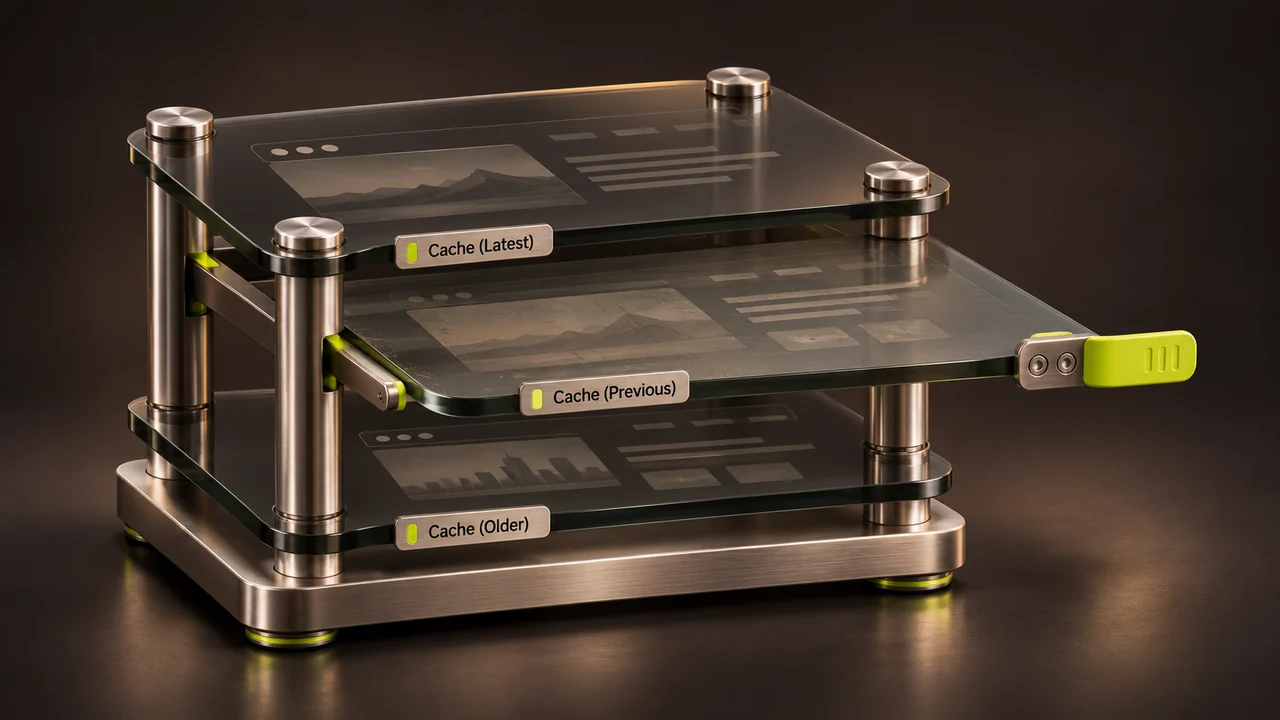
You changed a product or layout, but visitors still see yesterday’s version. Determine which copy of the page is stale before clearing every cache on the server.
Check the Commerce cache
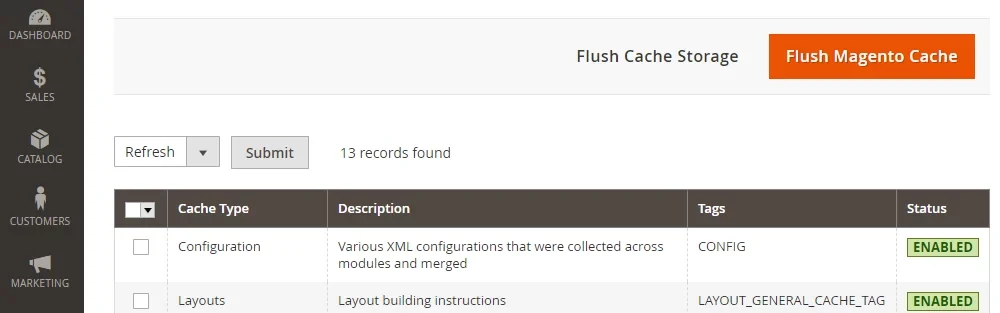
Open System → Tools → Cache Management and review the cache types and status. Select the relevant invalidated types and use Refresh. Start with the affected area. Browser cache, a CDN and the application can each hold independent copies.
Use the command line for a targeted clean
An authorised operator can inspect the status with bin/magento cache:status. The command bin/magento cache:clean <type> cleans the selected Commerce cache type. Check the identifier in your environment before running it.

Understand a flush before using one
A storage flush purges the backing store and can affect other applications sharing it. Reserve it for the maintainer who can confirm that broader effect. Disabling caching permanently can also slow customer requests.
Check the customer’s view
Request the affected page again in the correct store view. If it is still stale, inspect the next cache layer or the catalogue index as appropriate. Record which change actually resolved the symptom.