
Magento
Reindex a Magento catalogue
When a changed price or product still looks wrong on the storefront, check the relevant index and its scheduled job.
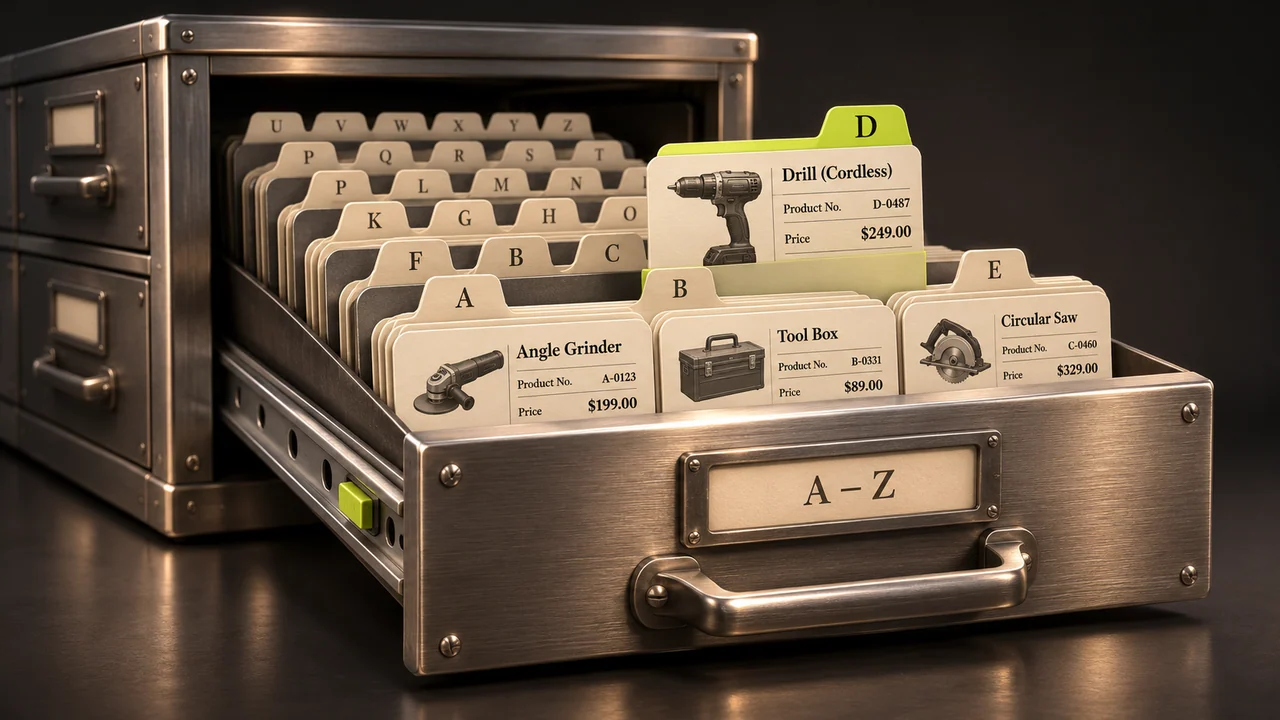
A price is correct in Admin but wrong in the catalogue. Before rebuilding everything, find out whether the relevant index has finished and whether a scheduled job is falling behind. A cache refresh and an index rebuild solve different problems.
Check Index Management
Open System → Tools → Index Management. Find the affected index, its status and its update mode. Update on Save refreshes the affected index as relevant records are saved. Update by Schedule relies on cron. Changing the mode does not establish that a particular rebuild completed.
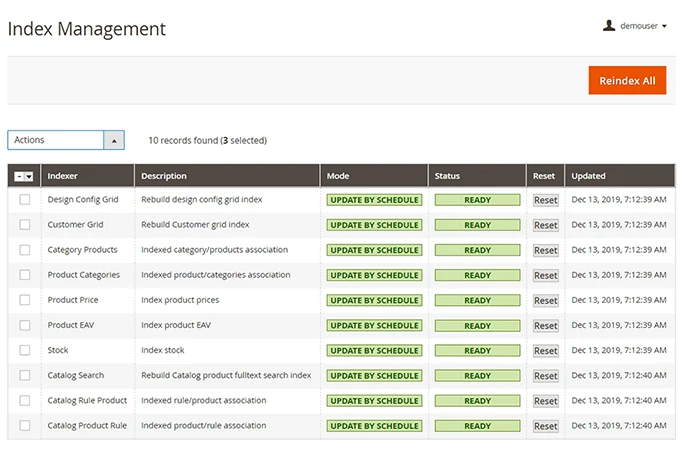
Rebuild only what you need
An authorised operator can inspect status in the application directory with bin/magento indexer:status. If a one-off rebuild is appropriate, use bin/magento indexer:reindex <indexer> with the intended index name. Omitting the name requests a rebuild of every index. Agree a suitable window for a large catalogue.
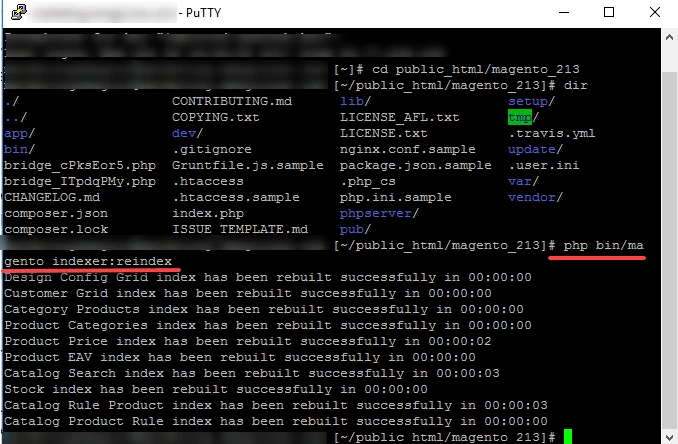
Verify and investigate recurrence
Check status after the rebuild and test the affected product, price or search result in the right store view. When indexes repeatedly fall behind, inspect cron and processing backlog with the maintainer. Repeated full rebuilds can add load without addressing the cause.