
Strategies
Test a Magento store on mobile
A useful mobile check follows product selection, delivery, payment and confirmation on representative screens.
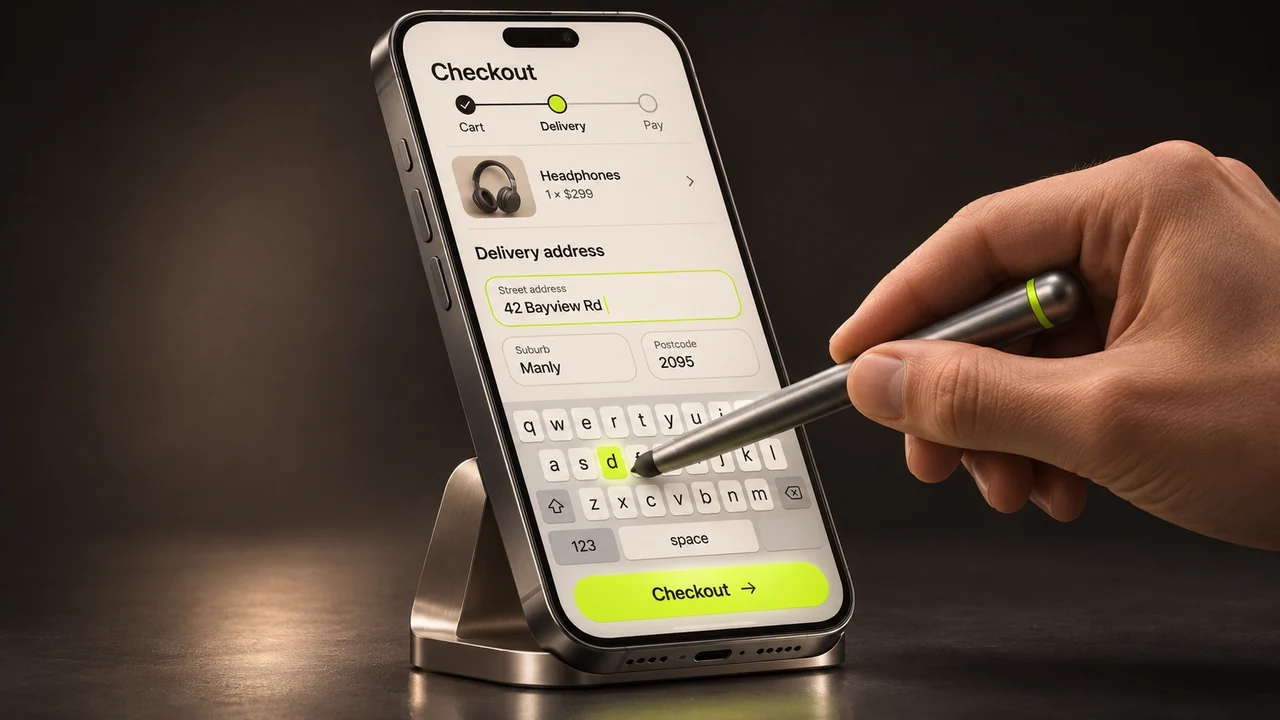
Use a phone to buy a representative product on a test store. Pick one with an option such as size, postcode-dependent delivery or a promotion. These details reveal problems a quick look at the homepage will miss.
Find and choose the product
Open the catalogue, apply a filter, inspect a product and return to the list. Check that the selected filter survives and the customer lands at a useful position. Product images should retain useful detail without forcing horizontal page scrolling.
Complete the form on a narrow screen
Select a variant, review quantity and add it to the basket. Check that quantity controls and prices remain readable. Try the address fields with the on-screen keyboard open. Required fields, labels and validation messages should remain visible without relying on colour alone.
Recover from an error
Use the payment provider’s sandbox to try a declined payment and then a valid test payment. The customer should be able to correct the problem without losing their basket or creating a duplicate order. Follow the successful order through to confirmation.
Measure the slowest interaction
Record the exact page and device conditions where a delay occurs. A lab test gives a repeatable comparison. Available field measurements show the range of experiences visitors actually have. Recheck the same product and checkout after any change.