Strategies
Choose hosting for your Magento store
Match the installed release and edition to Adobe’s supported dependencies, then size resources around catalogue size, indexing, imports and peak checkout demand.
Begin with the exact application edition and release. Adobe publishes different supported dependency combinations for different releases and deployment models. A generic “Magento-compatible” label leaves open whether your own store can run and be supported.
Describe the workload
Record the size of the catalogue, store views, imports, indexing schedule and peak order periods. List search, payment and fulfilment integrations. A catalogue import and a busy checkout can compete for resources even when an average traffic chart looks quiet.
Match the environment
Compare the proposed database, PHP runtime, supported search service, caching and other dependencies with Adobe’s matrix for your intended release. Ask who runs scheduled jobs, applies updates and monitors a failing dependency. A low-cost shared plan may restrict a service your store needs.
Compare management responsibilities
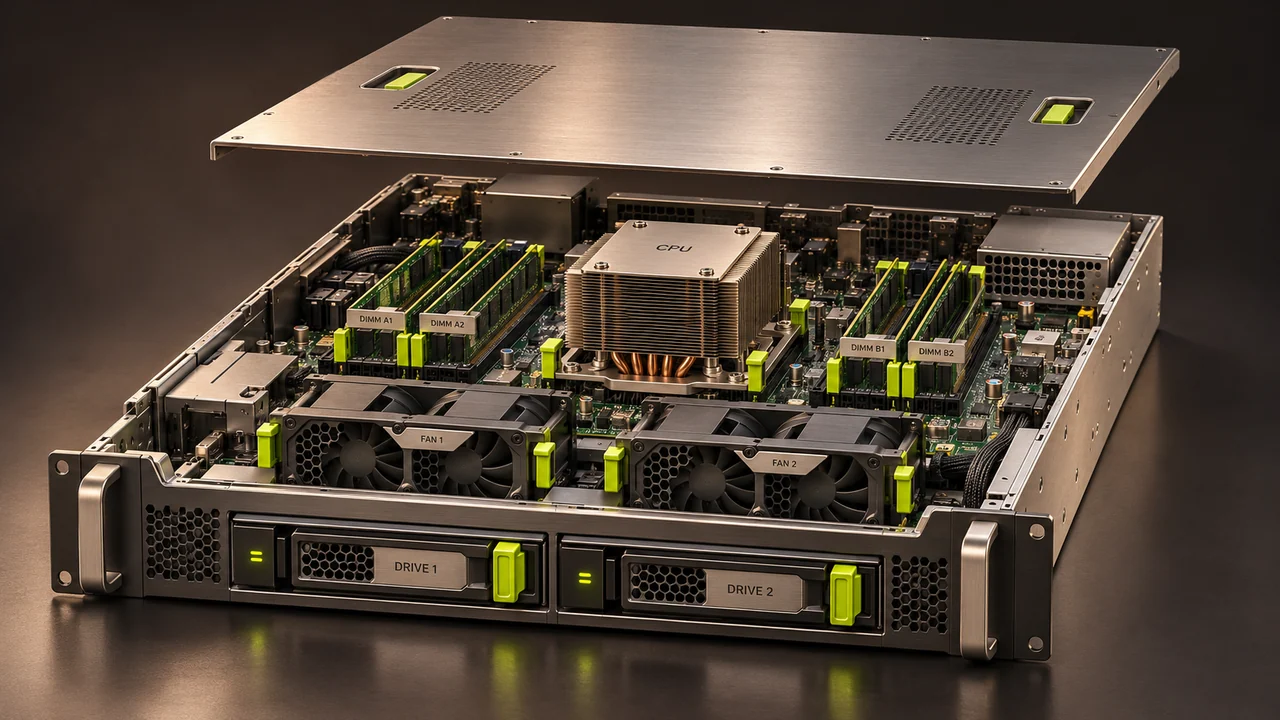
A VM can offer more control while leaving operating-system administration with you. A dedicated server can suit a demanding workload, but hardware alone will not correct a slow query. Ask exactly what the host manages, what remains with the application team, and how additional support is charged.
Set recovery expectations
Agree on backup retention, an actual restore test, staging, monitoring and a migration plan with a rollback point. Before choosing, use an isolated copy and a representative import or customer journey to assess the proposed environment.