
Strategies
Review Magento product and category SEO
Review a product, its category and a filtered category variant. Check where navigation and canonical signals direct customers and search engines.
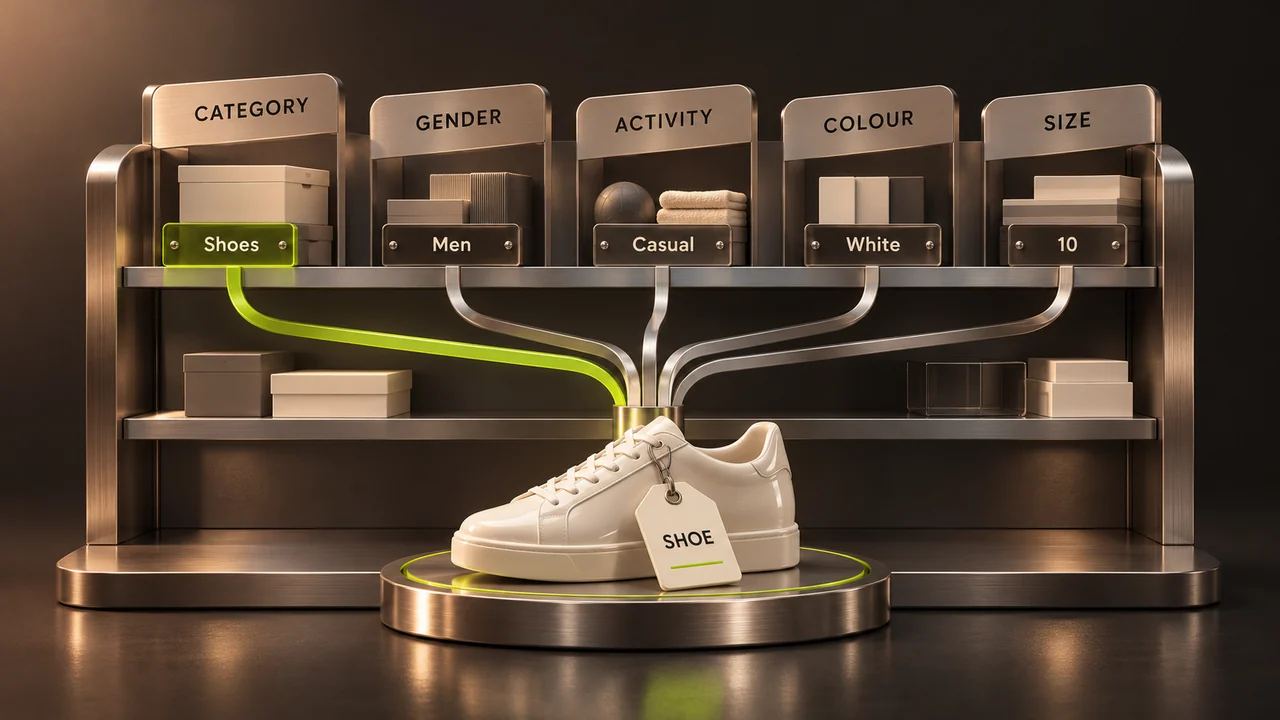
Review a small, representative set of catalogue URLs before making a site-wide SEO change. Include a product reachable through several categories, an ordinary category and a filtered category.
Start with the customer’s question
A product page should answer what the item is, which variant is available and how the customer buys it. A category should help people compare or narrow the range. Use descriptive names instead of placing the same search phrase in every field.
Check duplicates and filters
Follow the links your store actually generates. Compare product and filtered URLs, pagination and any proposed canonical. Decide which pages offer distinct information worth indexing. Avoid blanket canonical or noindex settings without considering which products and categories would disappear from search.
Inspect product information
Verify the title, main heading, description, price and available options in the rendered output. Structured data should describe the visible offer. Google does not use the meta-keywords tag as a ranking signal, so spending time filling that field offers little value.
Measure discovery and usability
Check indexing and relevant queries in Search Console. Then try finding the product from the category on a phone. Record changes and compare the same pages after recrawling instead of treating an immediate ranking movement as proof of a fix.