
Strategies
Find the cause of a slow Magento storefront
Time a representative category, product page and checkout separately. Determine whether application processing, assets or network delivery dominate.
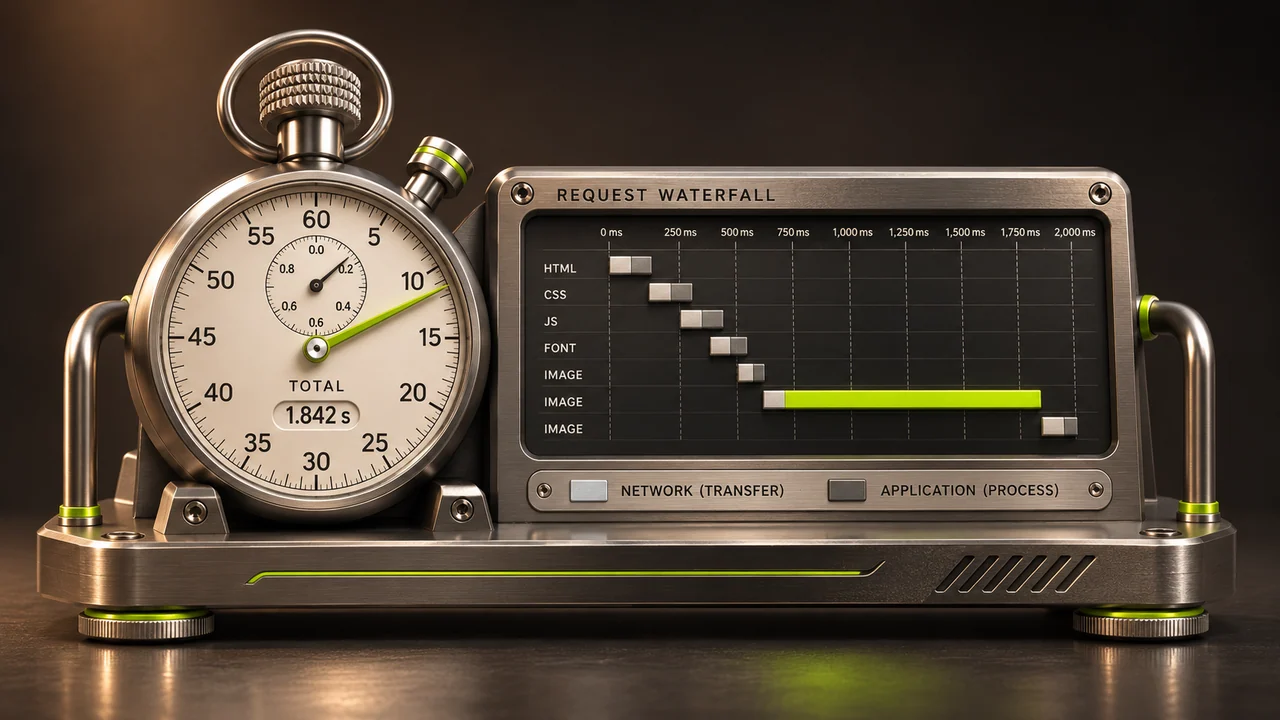
A customer who says a store is slow may mean that search takes seconds, the hero image arrives late or the payment button freezes. Those symptoms need different fixes.
Establish a baseline
Choose a category, a product with variants and a controlled checkout. Record the device, connection and URL, whether the cache is warm, and what takes time. Compare the server’s response, the largest visible content and the response to taps. Look at field data as well as repeatable lab results when available.
Follow the slow part
If the server takes a long time to respond before any content arrives, ask the application team to inspect request timings, database work, integrations and scheduled jobs. If the HTML arrives quickly but product images appear late, inspect image dimensions, formats and loading priority. A larger server may not fix an unnecessarily large image.
Cache the right content
A cache or CDN may help repeated public assets or catalogue views, depending on the implementation. Discuss invalidation when stock or price changes. Keep baskets, account information and other personalised responses outside shared caching unless the architecture safely isolates them.
Retest the shopping journey
Change one significant variable and measure the same URLs under comparable conditions. Check current stock, visible prices, cart totals and signed-in views. A faster cached page showing old stock has traded one problem for another.