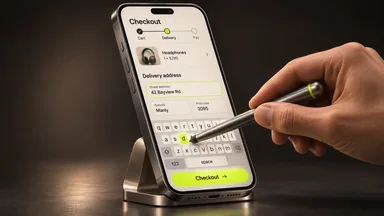
Strategies
Choose a useful personalisation rule in Magento
Choose an experiment that helps a visitor find a relevant item with information you already need for a defined purpose.
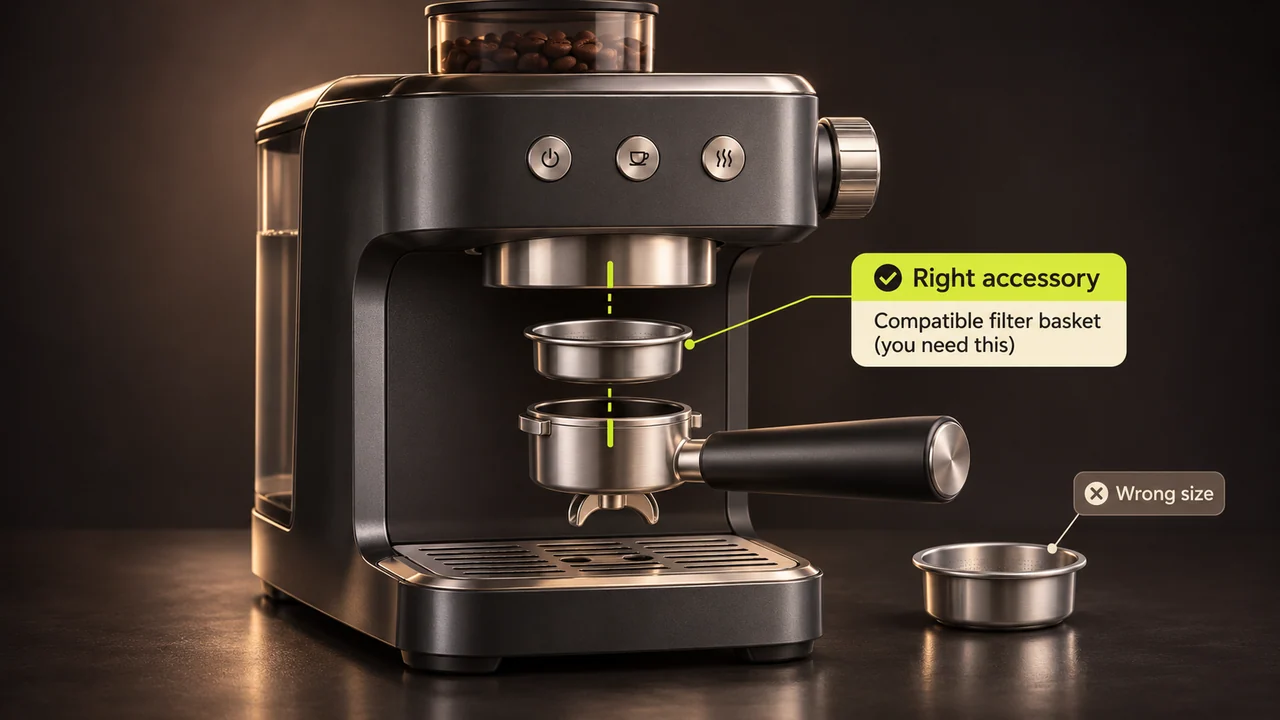
Personalisation works best when the customer can see why a suggestion is relevant. Start with a useful task, such as showing a compatible accessory for the product currently being viewed, before collecting additional information.
Choose a rule the team can explain
Write down the condition and the result. “When a customer views this coffee machine, show filters that fit it” is testable. A generic instruction to display “more relevant offers” gives a team little to implement or review.
Check the edition and data
Customer groups, dynamic segments, related products and recommendation services are different capabilities. Verify what the installed edition and integrations actually support. Use the minimum appropriate information for the task and respect your organisation’s notices, permissions and retention settings. Browsing and order details can identify a person when combined with other information.
Keep the default experience useful
A new visitor or someone declining optional tracking should still see a complete catalogue and working checkout. Plan for customers who share devices, have no purchase history or no longer fit a segment.
Test relevance and cost
Compare the matching and default views using synthetic customer accounts. Check stock availability and performance. Review whether the suggestion helps customers choose an item before expanding the rule to more data or channels.