Google Shopping
What to prepare for a Google Shopping setup
Prepare stable product identifiers, images, prices, stock and the pages shoppers should reach.
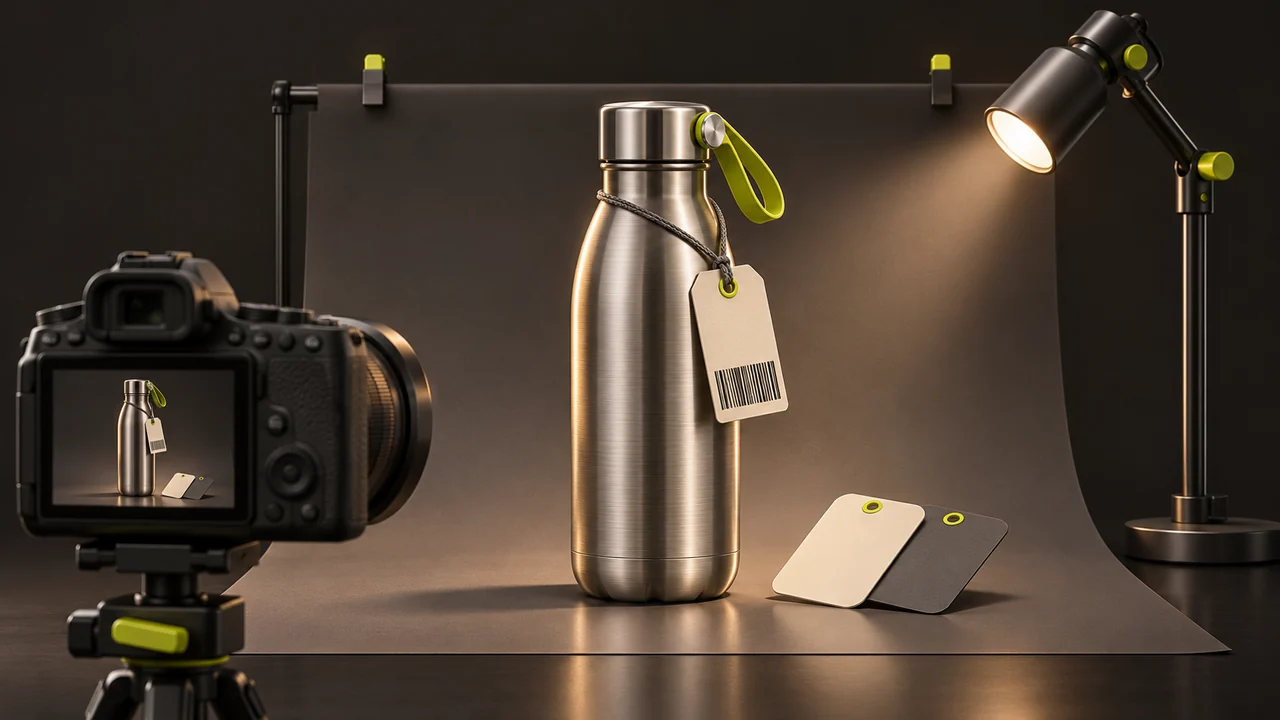
A Google Shopping setup begins with the information in your store. A campaign cannot reliably sell an item if the listing shows a different price, size or availability from the page it sends people to.
Prepare the catalogue
Choose a representative set of products. Supply stable product IDs, descriptive titles, product URLs, good-quality images, price and availability. Include brand and the applicable product identifiers and variant attributes. Use the identifier assigned to the product rather than making one up.
Agree who maintains each field
Record where stock and sale prices actually change. If your warehouse system owns availability and the storefront owns descriptions, document how each reaches Merchant Center. Set a review process for products that are rejected or limited.
Test a listing from end to end
Compare a variant in Merchant Center with its product page and basket, including currency, shipping and the item the shopper actually receives. Try an out-of-stock item as well as an available one.
Decide whether to advertise
Free listings and paid campaigns have different eligibility and budgeting decisions. For a managed campaign, agree the products, budget and reporting measures in advance. A useful report separates listing issues, clicks, spend and completed purchases.