SEO
Connect search visibility with useful website actions
Search impressions, visits and completed enquiries answer different questions. Follow a query to its landing page and through its intended action.
Someone searching for a replacement part may need a product page with the exact model. Someone searching for a repair service needs to know whether the business covers their area. Sending both people to a generic homepage gives each another job to do.
Match the query to the page
Use Search Console to find a relevant query and its landing page. Compare the customer’s likely question with the title, heading and first paragraph. If the page promises a repair quote, explain the information needed to prepare one.
Remove friction after arrival
Read from the answer to the next action. A customer comparing products may need availability and delivery first. An enquiry form should ask only what helps the business respond and should explain what happens after submission.
Measure three separate events
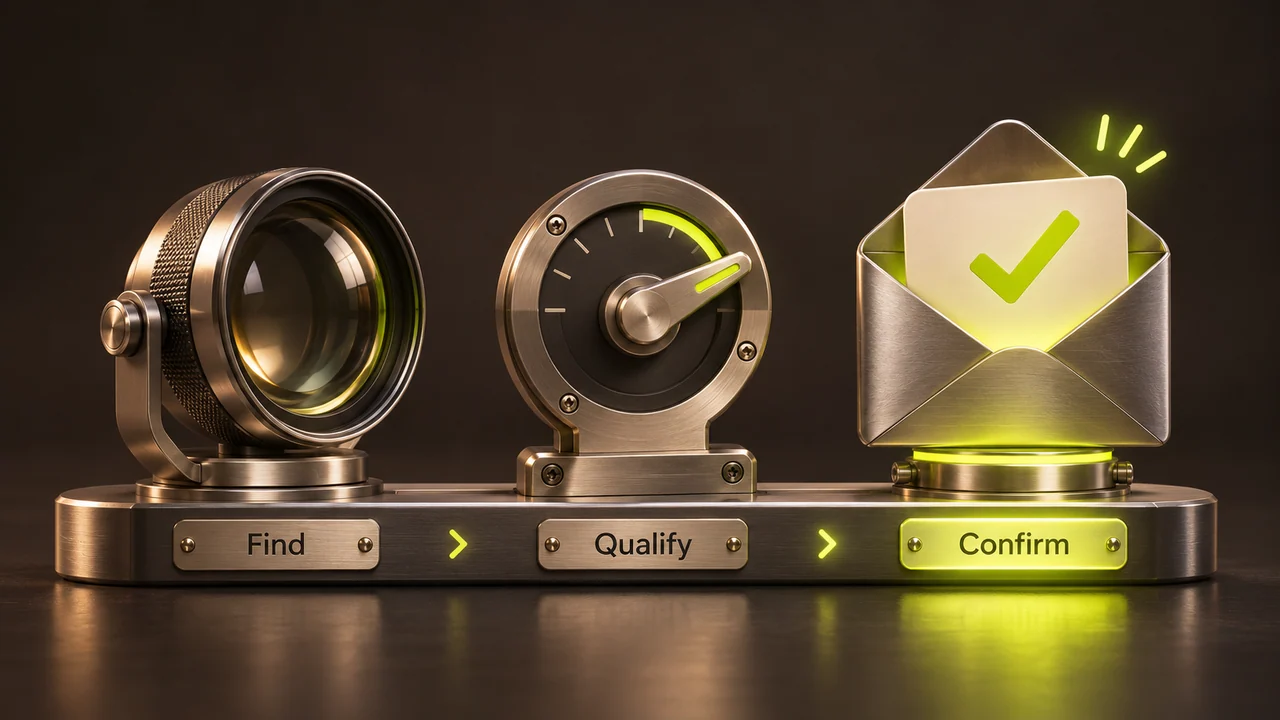
Search impressions indicate visibility. Clicks indicate that someone visited from search. A successful order or enquiry measures the business action. A tap on “Send” alone does not establish that the message reached the business.
Recheck after a change
Use a controlled form or checkout test to verify the journey. Compare similar time periods, traffic sources and page groups, and note other changes such as promotions or stock shortages before attributing a difference to the edit.