
SEO
Which page-head elements help search engines?
Inspect the published title, description, robots instructions and canonical. Each communicates a different aspect of the page.
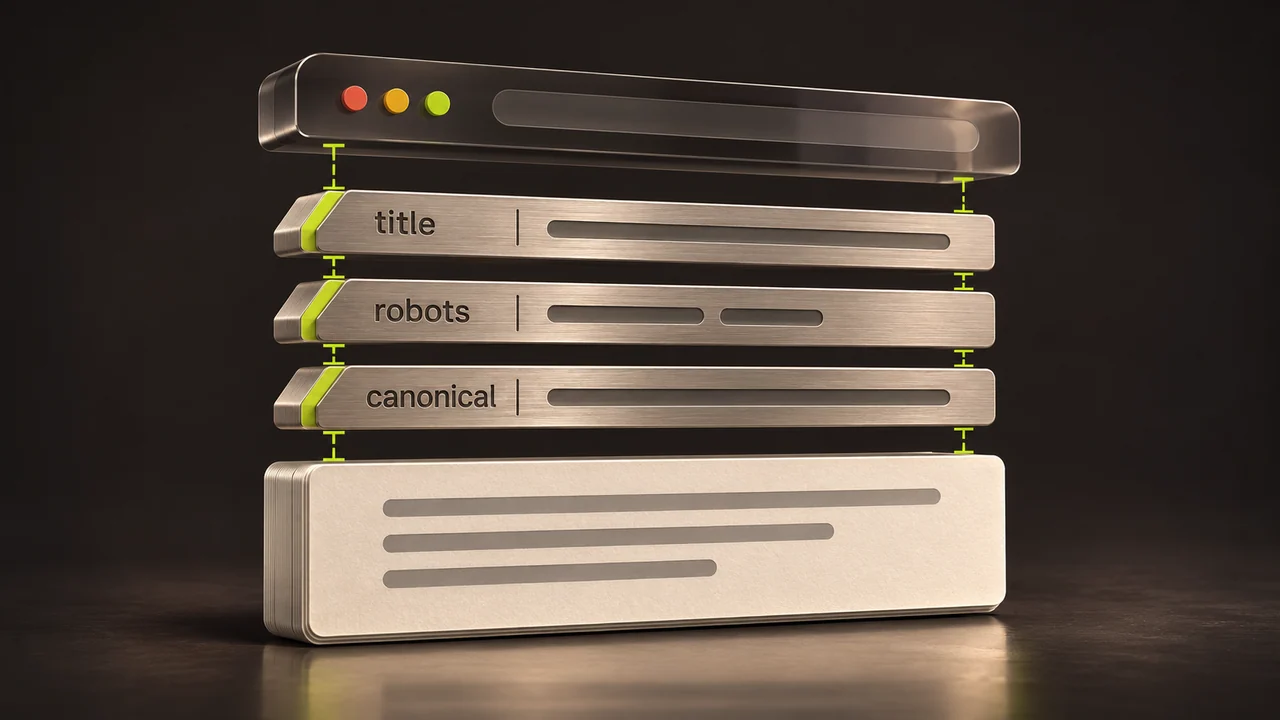
A page can have a good search title yet still be unsuitable for indexing, or have a useful description that Google does not use as the snippet. Check each element for the job it actually does.
Start with the public URL
The URL belongs to the document’s address, outside the HTML head. Use the intended address when checking the page. If the same content has several URLs, consider which should be the canonical version and whether those alternatives serve a genuine purpose.
Identify the elements
The <title> names the document. A meta description summarises it. A canonical link identifies a preferred URL among equivalent content. Robots meta directives affect how a crawler may index or display the page. The visible main heading belongs in the document body.
Use titles and descriptions that match the page
A service page should name the service and tell the reader what is distinctive enough to warrant a visit. Give separate pages separate titles where they answer different needs. Google can use other page text for title links or snippets. Avoid claims about guaranteed wording or rankings.
Check what the CMS publishes
Review the rendered head on a real service page, product and article. Confirm the title, canonical and indexing settings agree with the intended environment. Check both accessible text and visible headings after a template change. Keep staging protections in place while testing.